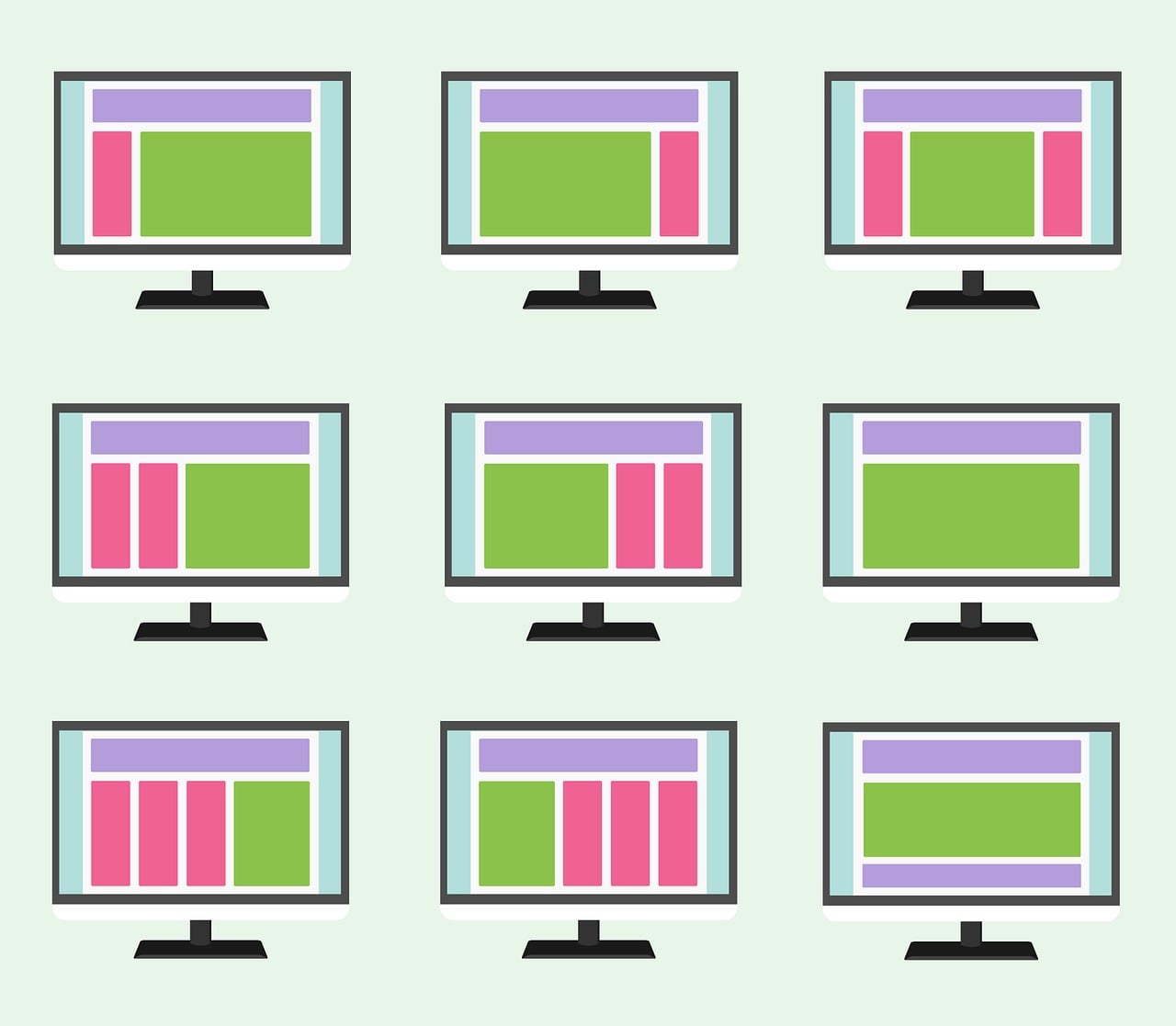
Native advertising is the practice of designing a paid placement to match the form, feel, and function of the content around it, rather than standing apart from it the way a banner or pop-up does. So when people ask what are native ads, the short answer is: ads that look and behave like the platform they're running on — an article recommendation styled like the rest of a news site's feed, or a sponsored product card that matches the layout of an e-commerce grid. The paid nature is disclosed, usually with a label like "Sponsored" or "Promoted," but the visual treatment is intentionally consistent with the surrounding editorial or product content.
This guide covers what native ads are, how the buying and rendering mechanics actually work, the formats you'll run into, where the format earns its keep and where it doesn't, and the mistakes that get native campaigns flagged or ignored. By the end you should be able to recognize a native placement, evaluate whether it fits a given site or campaign, and avoid the disclosure and design mistakes that undermine it.
The fundamentals of native advertising
Native advertising didn't start as a technology — it started as a design principle. Advertorials in newspapers and magazines were native ads long before real-time bidding existed: a paid piece styled to read like the surrounding journalism, with a small "advertisement" label at the top. Digital native ads inherit that same idea and add programmatic delivery on top of it.
The defining trait isn't the content itself, it's the container. A native ad unit adopts the host page's typography, spacing, and layout conventions instead of the interruptive-by-design format of a banner. A recommendation widget at the bottom of a news article, a sponsored listing inside a marketplace search results page, and a promoted post in a social feed are all native because they're built to sit inside the existing visual grammar of the page rather than break it.
That's also why disclosure matters more here than with almost any other ad format. Because the whole premise is blending in, regulators require that native ads still be clearly identifiable as advertising. In the US, the FTC's guidance on native advertising is explicit that an ad's format can't obscure its commercial nature — labels like "Ad" or "Sponsored" need to be as clear to an average consumer as the surrounding content is to read. That single requirement shapes almost every design decision that follows.
What are native ads, in practice?
On the buy side, an advertiser supplies the pieces a native ad needs to assemble itself: a headline, a short description, an image or logo, a destination URL, and sometimes a price or rating. On the sell side, the publisher's page (or app) has native ad "slots" — spaces reserved in a feed, a sidebar, or a content list — with a template that knows how to render whatever creative fields come back from the ad server.
When a native slot loads, the request goes through the same programmatic pipeline as a banner: an ad server or exchange runs an auction, a winning bid comes back, and the creative fields are returned as structured data rather than a finished image or iframe. The publisher's template then styles that data using the page's own fonts, colors, and card layout. That's the mechanical difference from display: a banner is a fixed creative dropped into a box; a native ad is content assembled locally so it inherits the host's look.
The IAB's Native Advertising Playbook formalized this by defining a small set of native ad unit types that cover most of what you'll encounter: in-feed units (ads inside a content stream, like a sponsored article card), content recommendation widgets (the "you might also like" boxes at the end of articles), paid search units (sponsored listings in search results), and promoted listings (sponsored products inside a marketplace grid). Almost every native placement you see maps onto one of those categories.
Common native ad formats and where they run
Native formats differ mainly by where they sit and what job the surrounding page is doing.
In-feed ads appear inside a scrolling content stream — a news feed, a social timeline, an app's content list — styled as another item in that stream. They're the most common native format because feeds are now the default layout for most consumer apps and publisher homepages.
Content recommendation widgets sit at the end of an article, usually a grid of thumbnail-and-headline cards. Some of those cards link to more of the publisher's own content; others are paid placements from a recommendation network. Because both types look identical, this is one of the formats readers most often mistake for editorial content if disclosure is weak.
In-search or promoted listings appear inside search results or marketplace grids, styled exactly like the organic results around them, with a small label distinguishing them. E-commerce marketplaces and app stores use this heavily.
Sponsored content / branded content goes a step further than a styled unit — the advertiser pays for an actual article, video, or post written in the publication's voice and format, then promotes it through native placements. This is closer to advertorial than to a programmatic ad unit, though it's often distributed through the same native ad networks.
| Format | Where it appears | Typical goal | Disclosure norm |
|---|---|---|---|
| In-feed ad | Social feeds, news homepages | Awareness, clicks | "Sponsored" / "Promoted" tag on the card |
| Recommendation widget | End of articles | Traffic, content discovery | "Around the web" / "You may like" section label |
| Promoted listing | Marketplace or app store search | Conversions, installs | "Ad" or "Sponsored" badge on the listing |
| Branded/sponsored content | Publisher's own content section | Brand storytelling | "Sponsored content" or "Partner content" label |
Why native ads perform the way they do
The main reason advertisers use native formats is that they don't trigger the same reflexive avoidance that banners do. Years of exposure to banner ads trained users to tune them out — a phenomenon researchers have documented as "banner blindness," where users' eyes skip areas of a page that look like known ad zones regardless of what's actually there. A unit that adopts the page's own visual language doesn't get filtered out the same way, at least until the reader recognizes the pattern.
That advantage comes with a real cost, and it's worth stating plainly rather than treating native as a strictly better format. Because native ads are designed to resemble content, poorly disclosed ones can mislead readers about what they're looking at, and the FTC guidance referenced above exists precisely because that risk is real, not hypothetical. There's also a trust cost for the publisher: a native unit that's too aggressive about mimicking editorial content can damage a reader's confidence in the site's actual journalism once they notice the pattern, even if every individual placement was technically labeled.
Native units are also harder to standardize than banners. A 300x250 display creative renders identically everywhere; a native ad's headline, image, and description have to work across dozens of publisher templates with different character limits and image crops, which pushes more design and copywriting work onto the advertiser side than a standard banner buy requires.
Common mistakes to avoid
Weak or buried disclosure. A tiny gray "Ad" label in a corner technically meets some interpretations of disclosure rules but fails the FTC's actual standard, which asks whether an average consumer would recognize the content as paid at a glance. When in doubt, make the label as legible as the headline next to it.
Treating native as a content substitute rather than an ad format. A native unit that's all curiosity-gap headline and no real substance behind the click converts poorly and erodes trust faster than a plain banner would, because the reader feels tricked rather than just uninterested.
Ignoring format-specific character and image limits. Native creative gets rendered by the publisher's own template, not a fixed-size image, so a headline that's fine on one placement gets truncated awkwardly on another. Test how creative actually renders on the specific placements you're buying, not just in a preview tool.
Measuring native the same way as display. Click-through rate alone tends to look artificially strong on native units precisely because they blend in — some of those clicks come from readers who didn't register it as an ad. Pairing CTR with post-click engagement or conversion data gives a truer read on performance.
Assuming one creative works everywhere. A recommendation-widget thumbnail and an in-feed social card call for different image crops, different headline lengths, and often different tones. Native's flexibility is only an advantage if you actually use it.
FAQ
Are native ads the same as sponsored content?
Not exactly. Sponsored content is a subset of native advertising where the advertiser pays for full editorial-style content (an article, video, or post); native advertising more broadly includes any ad unit styled to match its surroundings, including programmatic in-feed and recommendation formats that aren't full articles.
Do native ads have to be labeled as ads?
Yes. Regulators including the FTC require that native ads be clearly identifiable as paid content to an average consumer, regardless of how closely they match the surrounding design.
Are native ads more effective than banner ads?
They tend to draw more attention and higher click-through rates because they avoid banner blindness, but higher CTR doesn't automatically mean better business outcomes — it depends on whether the traffic converts and whether the disclosure was clear enough that clicks reflect genuine interest.
Can native ads run programmatically, or are they always bought directly?
Both. Native units can be bought through direct deals with a publisher or through programmatic exchanges and native-focused ad networks, using the same real-time bidding mechanics as display, just with structured creative fields instead of a fixed image.
What's the difference between native ads and content recommendation widgets?
Recommendation widgets are one specific native format — the "you might also like" grids at the end of articles. Native advertising is the broader category that also includes in-feed ads, promoted listings, and branded content.
Conclusion
Native ads are paid placements built to match the visual and structural language of the platform they run on, from in-feed social posts to promoted marketplace listings to full sponsored articles. The format's appeal is straightforward — it avoids the banner blindness that plain display ads run into — but that same blending-in quality is what makes clear disclosure non-negotiable rather than optional. Used well, native advertising respects both the reader's experience and the platform's design; used carelessly, it trades a short-term attention gain for a longer-term trust problem.
Key takeaways
- Native ads are defined by matching the host platform's design, not by their content or subject matter.
- The IAB's Native Advertising Playbook groups most native units into in-feed ads, recommendation widgets, paid search units, and promoted listings.
- Clear disclosure ("Sponsored," "Ad," "Promoted") is a regulatory requirement, not a design preference — the FTC treats weak labeling as deceptive.
- Native ads often show higher CTR than banners, but that number needs to be paired with post-click metrics to mean anything.
- Creative has to be adapted per placement type, since native units render through the publisher's own template rather than a fixed image size.