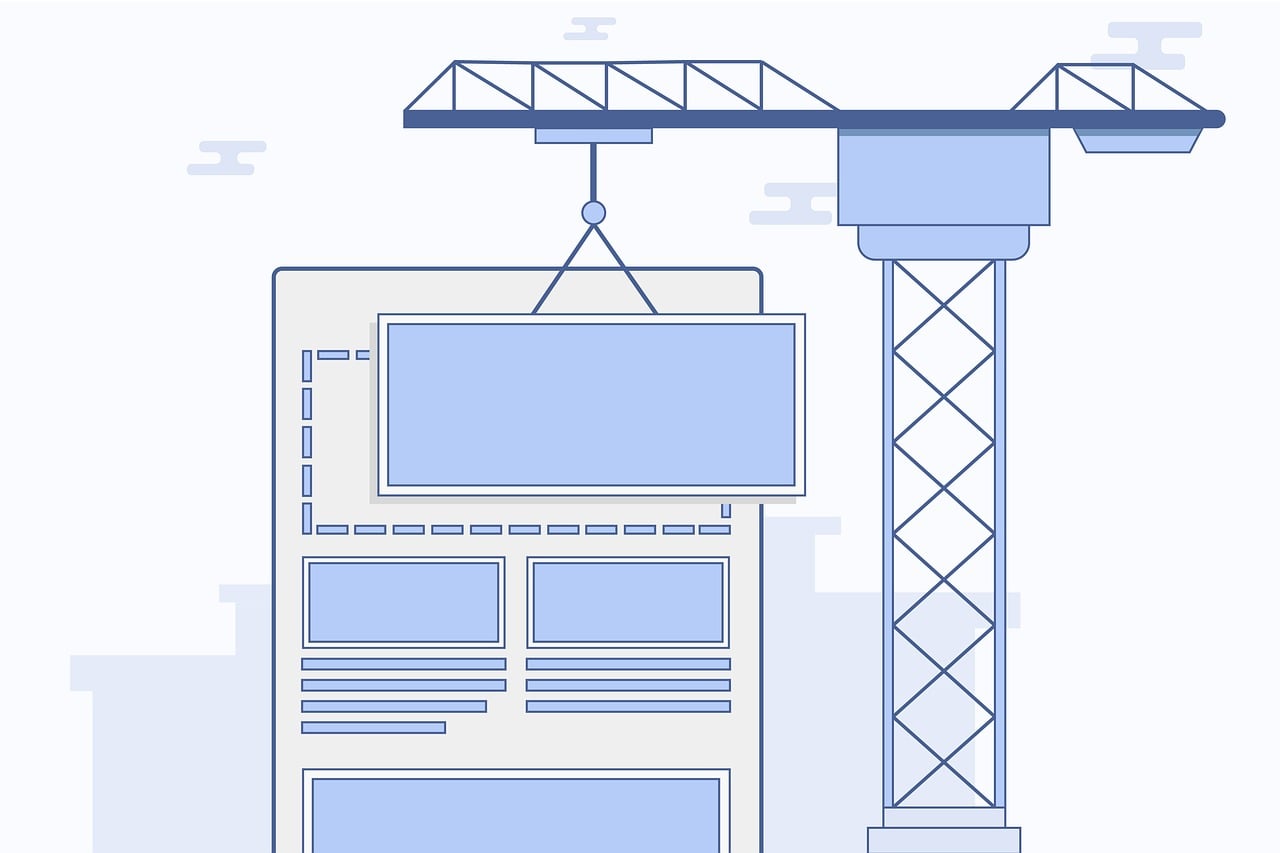
If you're wondering how to build a pre-lander that actually earns its place in the funnel, the short version is this: give the visitor one page that sets the right expectation, builds a little trust, and then hands them off to the offer with a single clear action. A pre-lander isn't a mini sales page and it isn't a disclaimer wall — it's a bridge, and it only works if it's built for that one job.
Most pre-landers fail for the same reason: they either try to do too much (pitch the offer themselves, duplicate what's on the landing page) or too little (a blank page with a "click here" link that gives the visitor no reason to trust the click). Below is a step-by-step process for building one that holds up under real traffic, plus how to tell it's working and what to do when it isn't.
Before you start
You need three things in place before you open a page builder: the offer you're sending traffic to, the traffic source it's coming from (native, push, social, search — each sets different expectations), and a tracking setup that can attribute clicks from the pre-lander to conversions on the offer. If you're running paid traffic, you also need to know the ad network's and the affiliate program's policies on pre-landers — some restrict them outright, most allow them with conditions. Skipping that check is the single most common way a pre-lander campaign gets shut down after it starts working.
How to build a pre-lander, step by step
1. Nail the angle before you design anything
The angle is the one idea that connects what the visitor just saw (the ad) to what they're about to see (the offer). If your ad promised a discount code, the pre-lander's job is to make that code feel real and worth claiming — not to introduce a new pitch. Write the angle as a single sentence first. If you can't, the page doesn't have one yet, and no amount of design will fix that.
2. Write the page around one job: build trust and set expectations
Keep the copy short and specific. State what the visitor is about to see, why it's relevant to them, and any condition that matters (limited spots, regional availability, a code that expires). Avoid claims you can't back up — inflated numbers or fake urgency are exactly what makes ad reviewers and affiliate managers flag a page, and they erode trust with the one person who matters, the visitor.
3. Design for a three-second read
Pre-lander traffic is impatient by nature — people didn't search for this, they clicked an ad. Google's mobile benchmarking work found that the probability of a bounce rises sharply as load time increases, with a page taking 3 seconds instead of 1 seeing a 32% higher chance of bounce. That means your design budget goes to load speed and a scannable layout, not animations. One headline, one supporting line, one image, one button — resist adding more.
4. Add a single, obvious call to action
One button, one destination. Multiple links or a navigation menu just give the visitor ways to leave without converting. Label the button with what happens next ("See the offer", "Get my code") rather than a generic "Continue" — specific labels consistently outperform vague ones in landing page testing, per Unbounce's conversion benchmark research.
5. Wire up tracking and redirect logic
You need to know how many visitors reach the pre-lander, how many click through, and how many of those convert on the offer. A minimal setup fires a click event, appends your tracking parameters, then redirects:
<a id="cta" href="#" class="btn">See the offer</a>

<script>
  const params = new URLSearchParams(window.location.search);
  const offerUrl = "https://offer.example.com/landing";

  document.getElementById("cta").addEventListener("click", function (e) {
    e.preventDefault();
    // fire your click-tracking pixel or event here before redirecting
    if (typeof trackClick === "function") trackClick();
    window.location.href = offerUrl + "?" + params.toString();
  });
</script>
Passing the query string through keeps your click ID and campaign tags intact so the offer page — and your tracker — can attribute the conversion back to this specific traffic source. Test the full chain (ad click → pre-lander → offer → postback) before you spend real budget on it.
6. Match the pre-lander to the offer and the traffic source
A pre-lander built for push notification traffic should look and read differently than one built for native or social — the visitor arrived with a different level of context and a different device in hand (push skews heavily mobile). Reuse the same visual language as the offer page so the transition doesn't feel like a bait-and-switch; a jarring style change between pre-lander and offer is one of the fastest ways to spike bounce right after the click.
7. Get it reviewed against ad network and affiliate policies
Before you launch at volume, check the page against the specific network's creative and landing page policies — rules on claims, disclosures, and redirect behavior vary by network and by vertical. This is also where a network you're buying traffic through, such as Adsy, can tell you upfront what its review process allows, which saves you from building a page that gets rejected after the fact.
How to tell it's working
Watch three numbers together, not one in isolation: pre-lander bounce rate, click-through rate to the offer, and conversion rate on the offer itself. A pre-lander that's working shows a moderate bounce rate (visitors are reading, not fleeing instantly), a healthy click-through to the offer, and — this is the real test — a conversion rate on the offer that's equal to or better than sending the same traffic straight to the offer page. If the pre-lander adds a step but doesn't lift the end conversion rate, it's just adding friction.
Give it enough volume before you judge it. A few hundred visits will swing wildly; wait for a sample size where the conversion rate stabilizes before deciding whether the page is a keeper.
Troubleshooting
High bounce, almost no clicks. Usually a load-speed problem or a mismatch between what the ad promised and what the pre-lander shows. Check page speed first — it's the cheaper fix — then re-read your ad copy against your pre-lander headline for consistency.
Traffic reaches the offer, but conversions drop compared to sending direct. The pre-lander is adding friction without adding trust. Cut copy, cut steps, and make sure the CTA button is the single obvious next action.
Tracking numbers don't add up between the pre-lander and the offer page. Almost always a dropped query parameter in the redirect. Check that your click ID and UTM tags survive the full chain by testing with a real click, not just previewing the page.
The page gets flagged or rejected by an ad network or affiliate program. Re-read the specific policy on landing pages and claims — most rejections come from an unverifiable claim, missing disclosure, or a redirect pattern the network treats as cloaking. Fix the specific clause cited rather than guessing at a full rebuild.
FAQ
What's the difference between a pre-lander and a landing page?
A landing page is where the offer or pitch actually happens. A pre-lander sits in front of it, with the narrower job of setting context and building enough trust that the visitor clicks through in the right frame of mind.
Do all ad networks allow pre-landers?
No. Policies vary by network and by vertical — some allow them freely, some require disclosure, and some restrict specific redirect patterns. Check the network's current landing page policy before launching, not after.
How long should a pre-lander be?
Short — usually a headline, one or two supporting lines, and a single call to action. If you find yourself writing multiple sections, you're likely duplicating the offer page instead of bridging to it.
Can a pre-lander hurt my ad account?
It can, if it makes unverifiable claims, hides the redirect's true destination, or violates the specific network's policy. A pre-lander that's honest about what it's leading to and complies with the network's rules is generally treated the same as any other landing page.
Should the pre-lander and the offer page look the same?
They should feel like the same brand and flow, even if the layout differs. A jarring visual change right after the click is one of the more common reasons visitors bounce before converting.
Conclusion
Building a pre-lander that converts comes down to giving it exactly one job — bridge the ad to the offer — and resisting the urge to make it do more. Nail the angle, keep the page fast and scannable, give it one clear call to action, wire up tracking that survives the full redirect chain, and check it against network policy before you scale spend behind it.
Key takeaways
- A pre-lander's only job is to build trust and set expectations between the ad and the offer — it shouldn't duplicate the offer's pitch.
- Page speed matters more than design polish; bounce probability rises sharply as load time increases.
- One headline, one CTA, one destination — extra links and sections just create exits.
- Track the full chain (ad → pre-lander → offer → conversion) and judge the pre-lander by whether it lifts end conversion, not just clicks.
- Check ad network and affiliate policies before launch — most rejections trace back to an unverifiable claim or a flagged redirect pattern.